Changing your password
For security purposes, your password must be changed at least every 90 days; although you can update your password at any time.
Password Requirements:
- Minimum 12 characters
- Cannot match any of your last six passwords
- Must contain at least three of the following:
- One uppercase letter (A-Z)
- One lowercase letter (a-z)
- One number (0-9)
- One special character (! @ # $ % ^ & * ( ) _ + - = , . / < > ? [ ] { } |)
Keep your password confidential.
To change your password
- On the toolbar, click your user name, and then select .
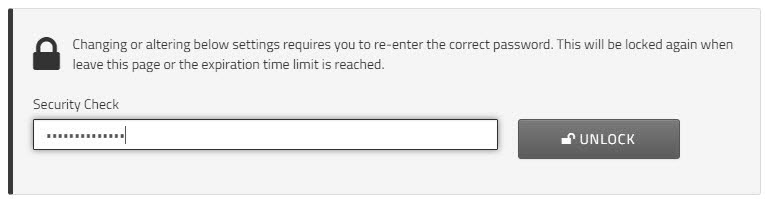
- To edit your security questions, enter your current password to unlock the security settings.
Click .
Note: After three incorrect password attempts, your account will be locked. Contact Support to restore access. - In the field, enter your current password, and click .
- In the field, enter your new password.
- In the field, re-enter the new password.
- Click .